Over the past few months, we’ve made quite a few improvements to Tags, our asset-tracking solution. Here’s a rundown of what’s changed, from indoor maps to tools for troubleshooting your network.
Indoor tracking
Updated indoor maps
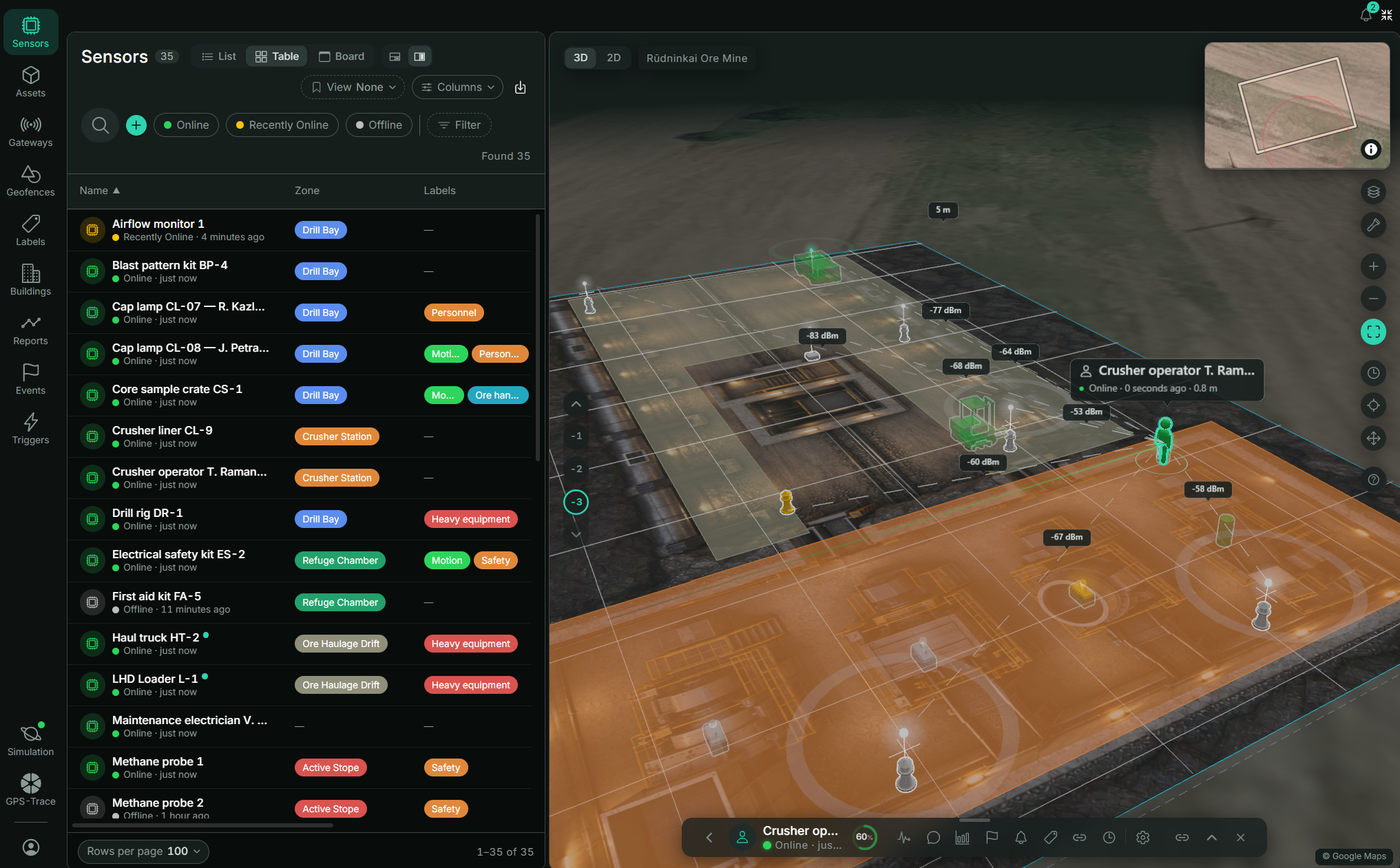
You can now track your assets on 2D and 3D view modes.
Along with the two views, we’ve added filters, display settings, and configurable map controls.
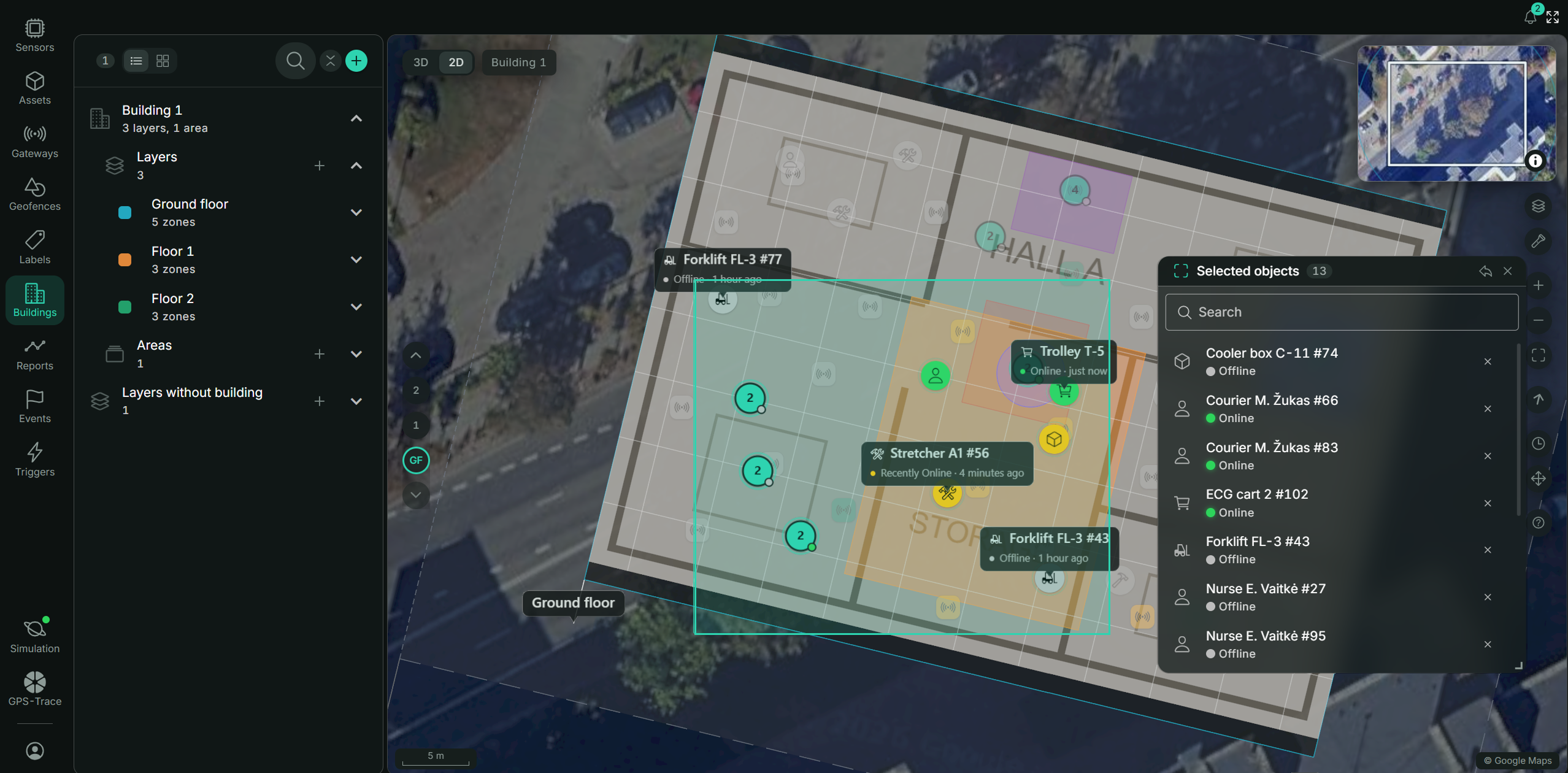
If you want a closer look at what’s happening in a particular part of the layer, you can select it on the map and see information about the assets there.
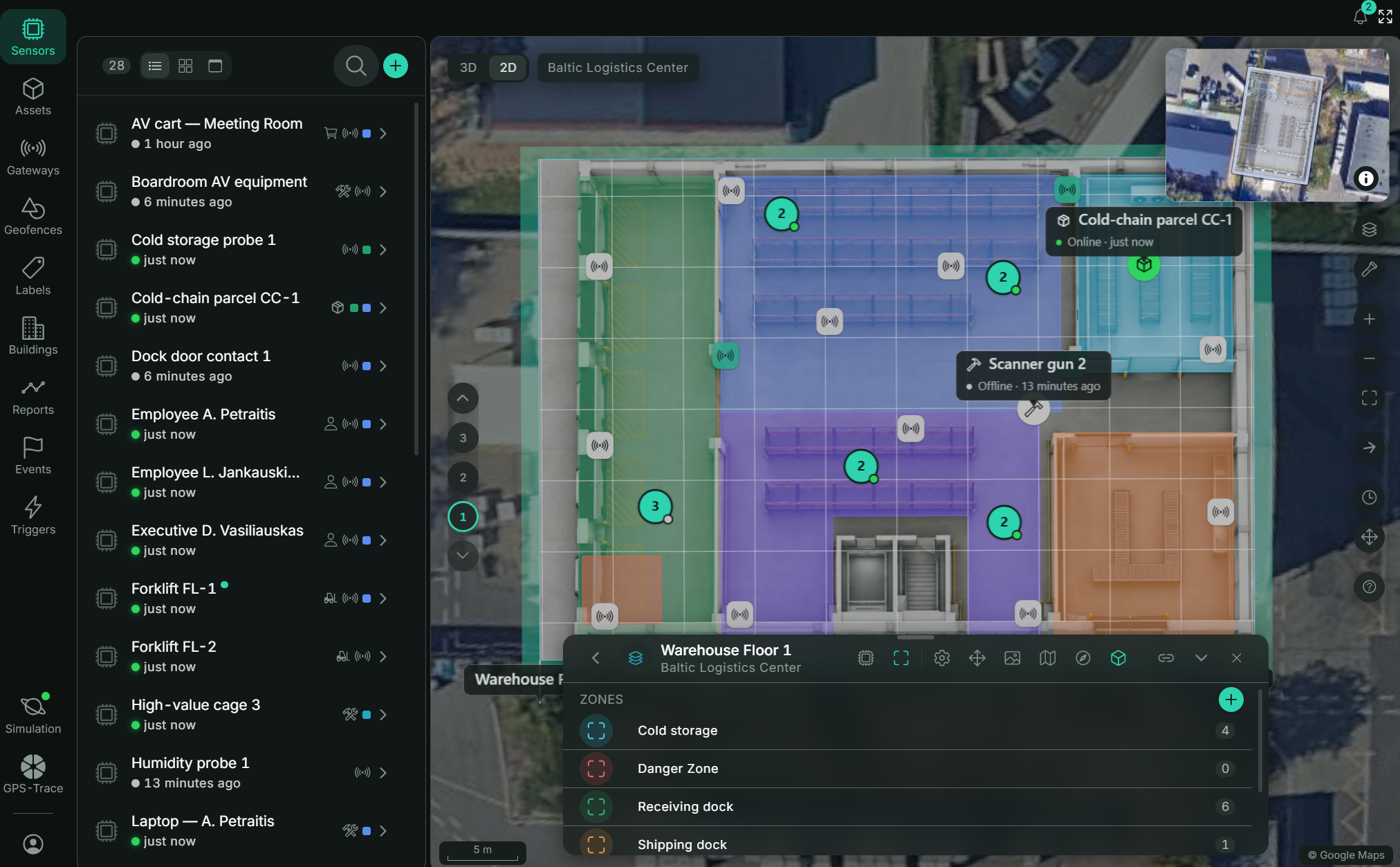
We’ve also made the maps faster and smoother to navigate.
More about indoor features: https://gps-trace.com/blog/indoor-tracking-in-tags-buildings-layers-3-d-2-d
Zones and areas
You can now create zones within map layers, track when assets/sensors enter or leave them, and generate reports based on those events.
For zones you want to monitor together, we’ve added areas - groups of zones.
Say you have restricted zones on several floors. You can combine them into one area, then track entries and exits and generate reports for the whole group rather than checking each zone separately.
Triggers and notifications
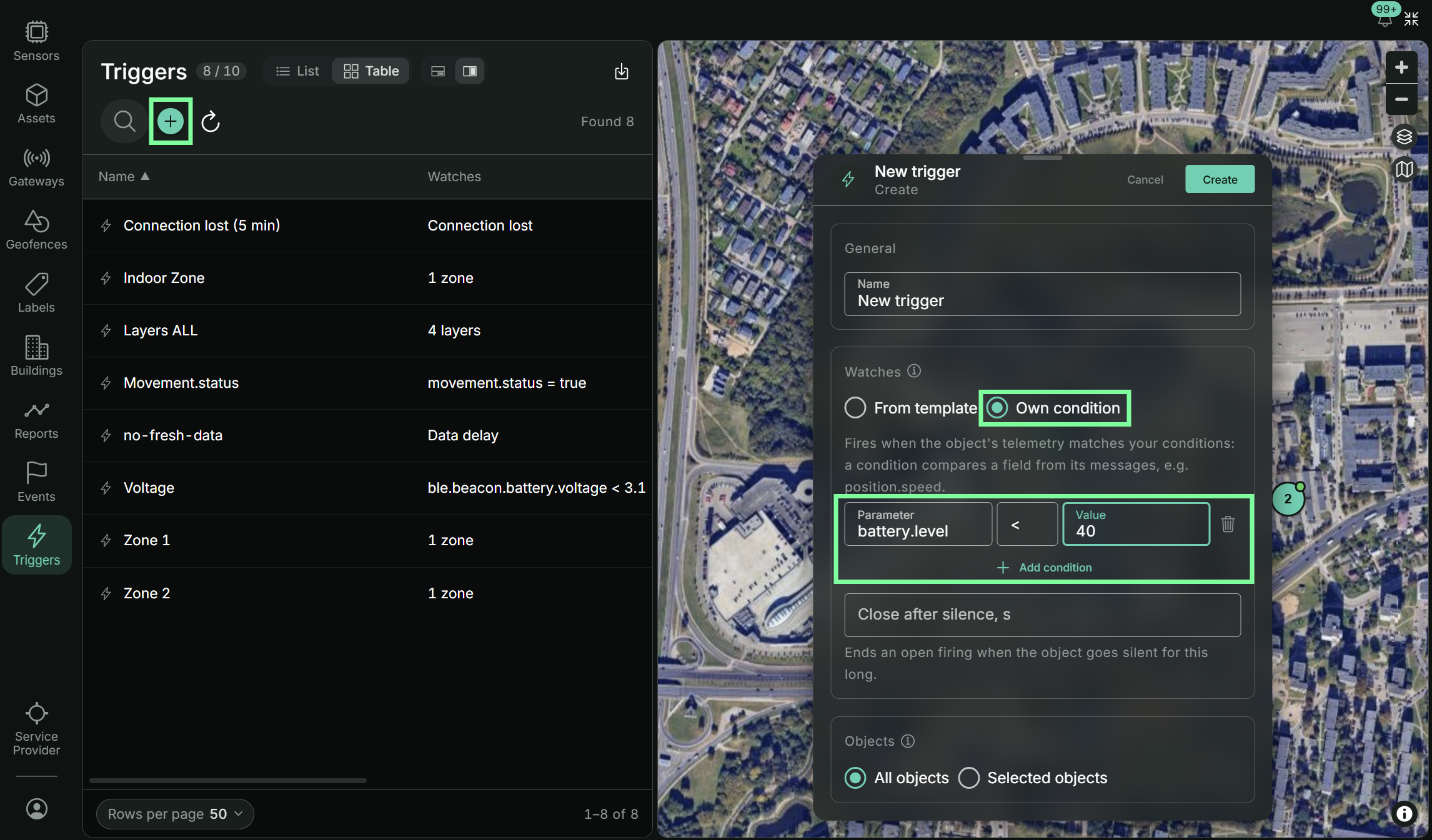
We’ve added different types of triggers so you can define which events should trigger an alert.
For example, you might want to know when a particular asset or any asset in a selected group enters a restricted zone, or when a sensor’s battery drops below a set level.
You can track these events in Tags and set up notifications.
More about this these features: https://gps-trace.com/blog/tags-triggers-and-notifications
Diagnostics
When something goes wrong, it helps to know where to start looking. Diagnostics now cover two levels:
- Channel and gateway diagnostics in GPS-Trace Console help you spot setup issues, such as a gateway sending data in the wrong format or devices that haven’t been added to the platform. If data is arriving late, you can see how much of the delay comes from the mesh, the gateway’s internet connection, or platform processing.
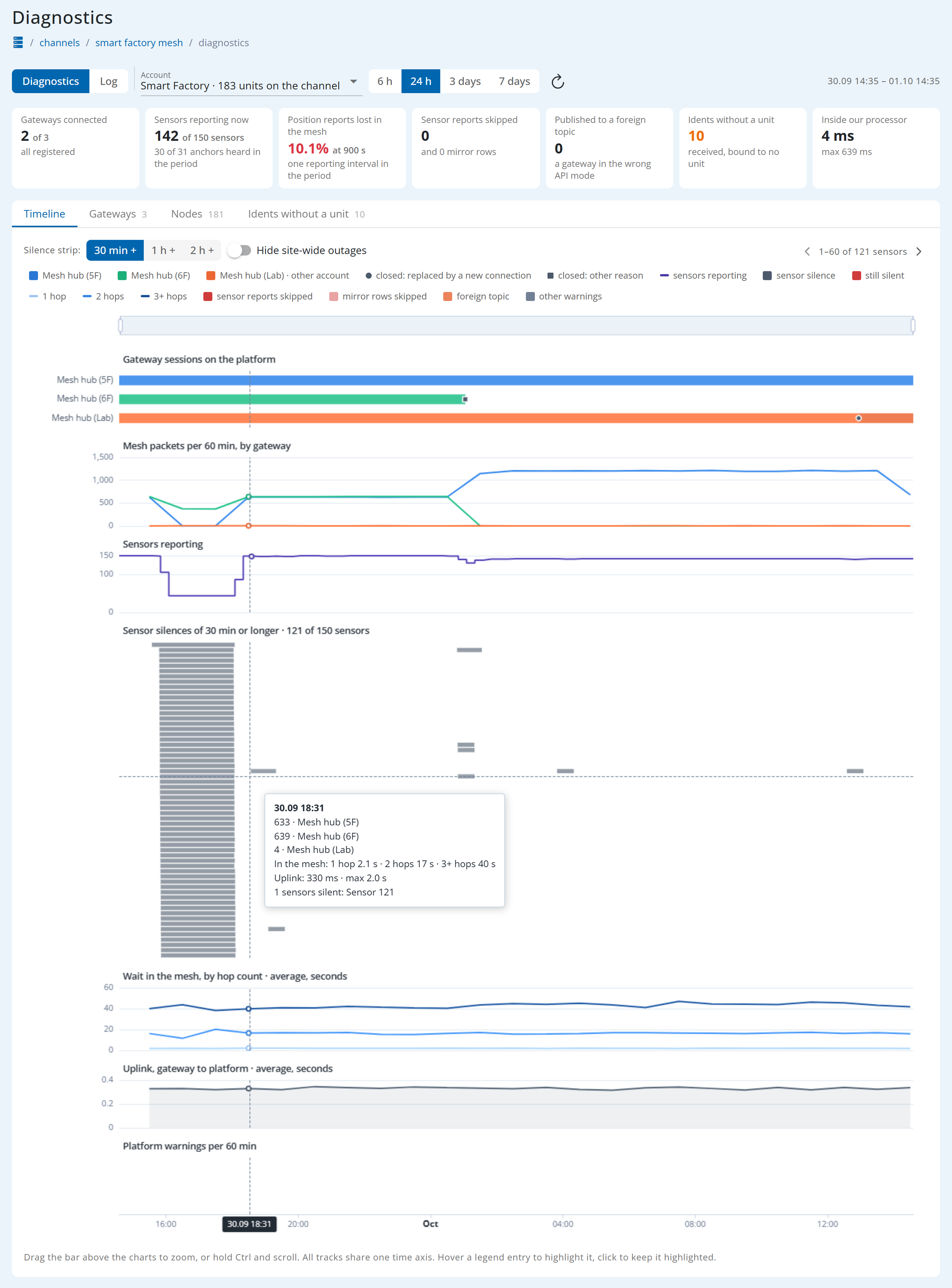
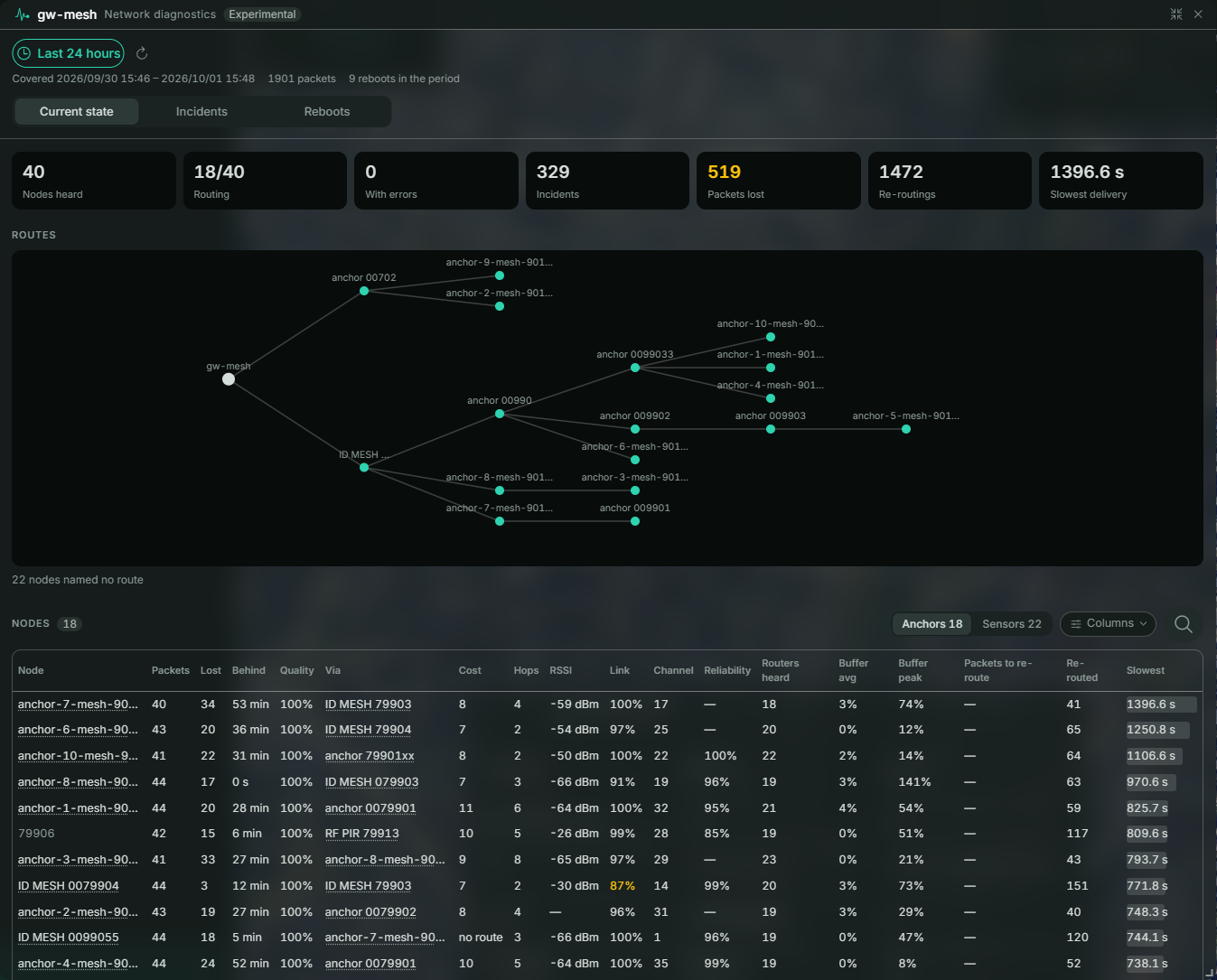
- Wirepas network diagnostics in Tags let you look inside the mesh, with details on reboots, delivery delays, link quality, routes, rerouting, and more.
This makes it easier to find problems. Mesh diagnostics also help you see where the network is strong or weak, so you can plan anchor placement based on actual network conditions rather than guesswork.